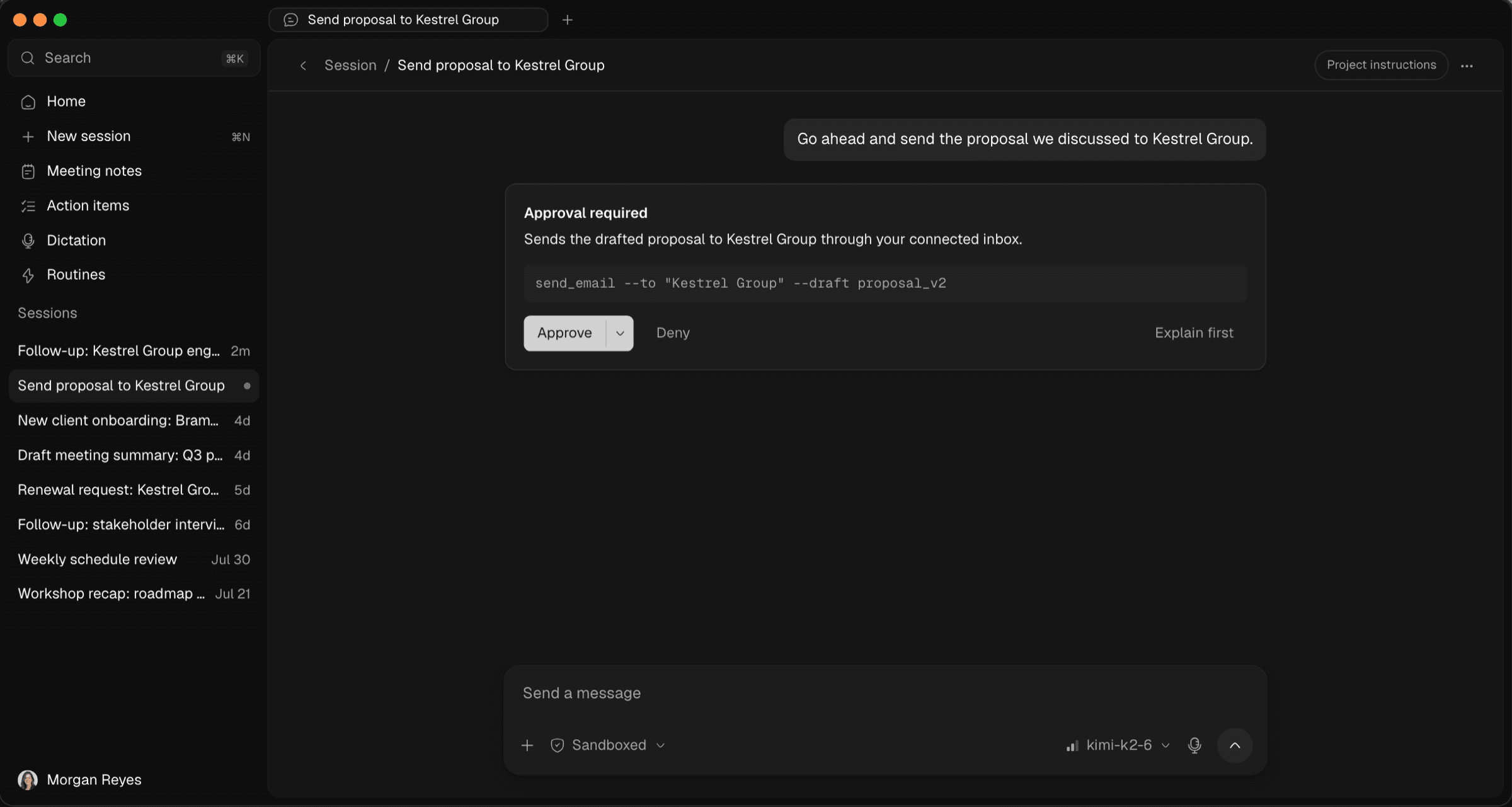
An agent that waits for your approval
How Optiq's local agent handles real work while staying sandboxed by default, pausing every risky action for your approval before it touches anything.
The Optiq TeamRead
product
A recording bot joining a client call is a small moment that says a lot. It tells everyone in the room that a third party is now involved in the conversation, and nobody on the call knows exactly where that recording ends up. For a law firm, a financial advisory, or a healthcare team, that moment alone can be a reason to avoid meeting assistants entirely. Optiq takes a different approach: notes without anything dialing into the call.
Most meeting assistants work the same way. A bot with its own name and avatar joins as a participant, records the call, and uploads the audio to the vendor's servers for processing. That is a visible, named third party sitting in on a conversation that might touch client instructions, patient details, or privileged strategy. Even when the vendor's intentions are good, the architecture itself is the problem: your most sensitive conversations are leaving the room the moment the bot connects.
Optiq never joins a call. It detects supported meeting apps automatically and offers to take notes, then records directly on your device, either from the microphone alone or the microphone plus system audio. There is no separate application appearing in the participant list and nothing dialing out to a third party. The recording happens locally, the same way any other audio capture on your machine would.
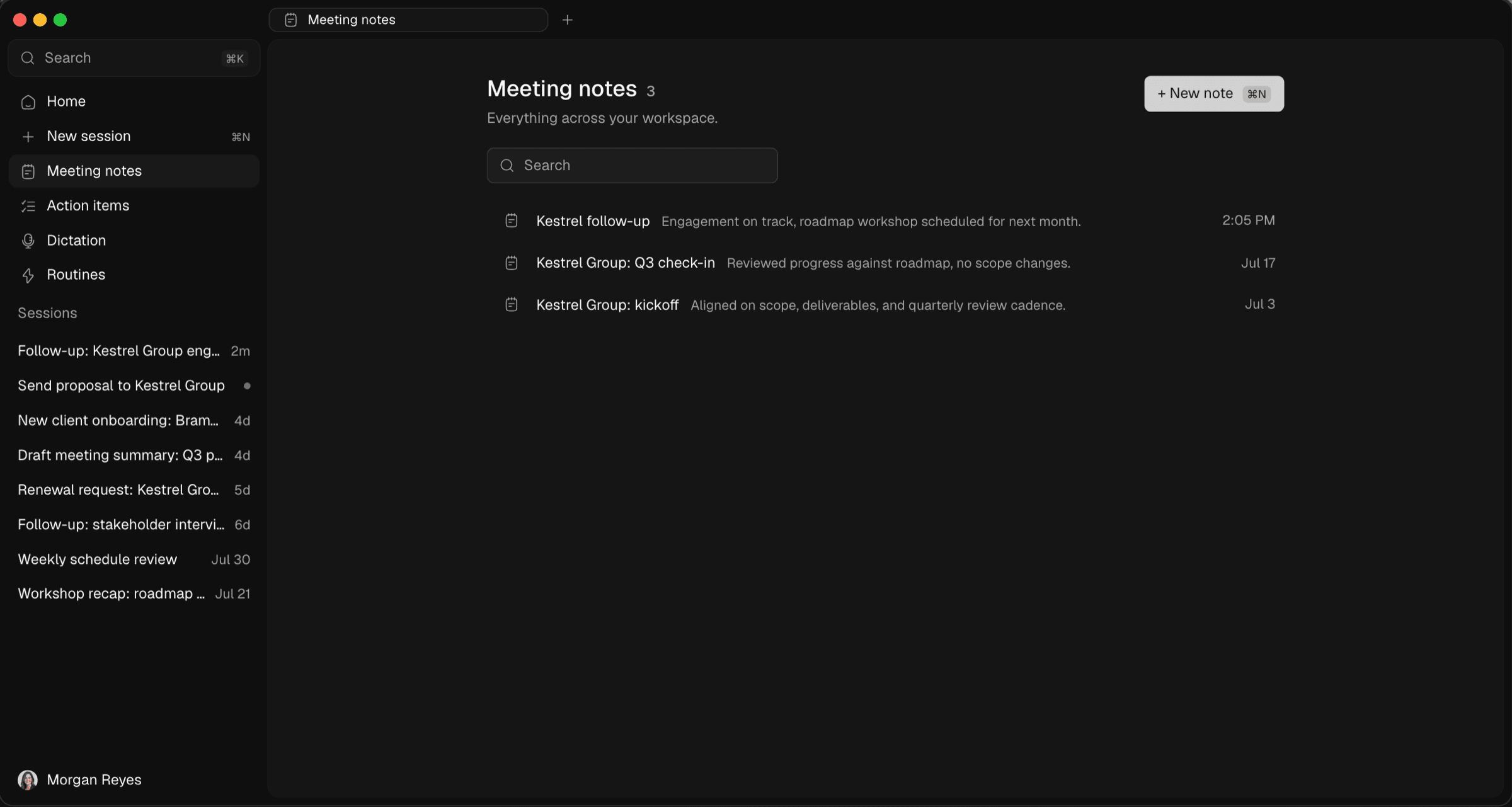
Because the audio stays on your machine, a failed transcription step can simply be retried without losing the meeting. The transcript is ordered into conversation turns, then turned into a note with a clear summary, an assessment of where things stand, and a plan for what happens next. It reads like something a colleague wrote, not a wall of raw transcript text.
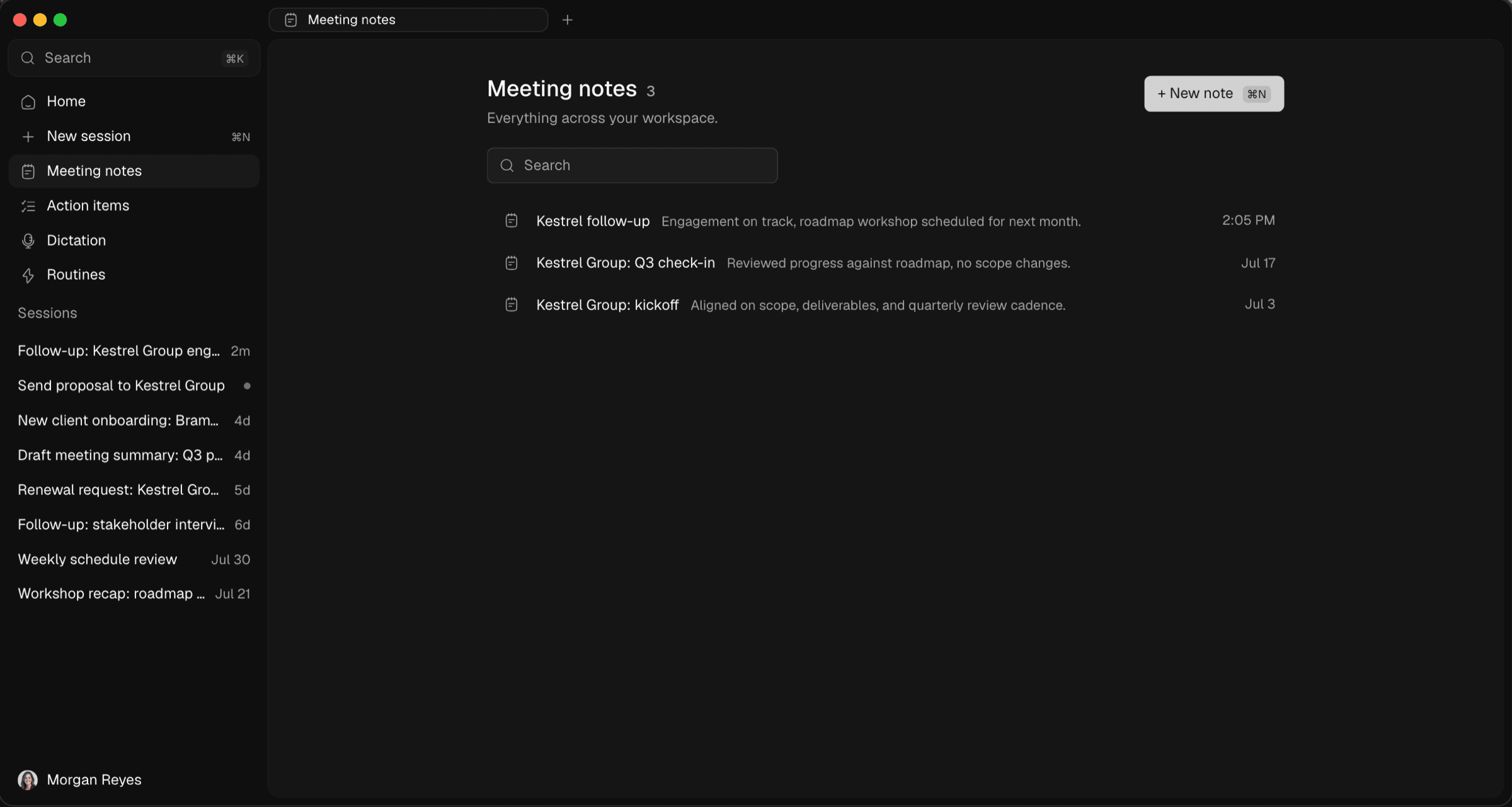
The finished note is a normal document you can edit, and it stays linked to the right project rather than sitting in a separate transcription tool disconnected from everything else. You can pull it into a chat later, hand relevant action items to the agent, or reference it the next time that client comes up. Notes, chat, dictation, and the agent all live in one workspace instead of four separate subscriptions.
If you are comparing this to a tool that already has a recording bot in your calendar, we have written honest comparisons against Otter, Granola, and Abridge. For the full picture of how the privacy model works end to end, including what stays on your device and what a model request actually touches, see our security page or read the introduction to Optiq. And if you want to see meeting notes on your own calls, get in touch and we will set up a walkthrough.
How Optiq's local agent handles real work while staying sandboxed by default, pausing every risky action for your approval before it touches anything.
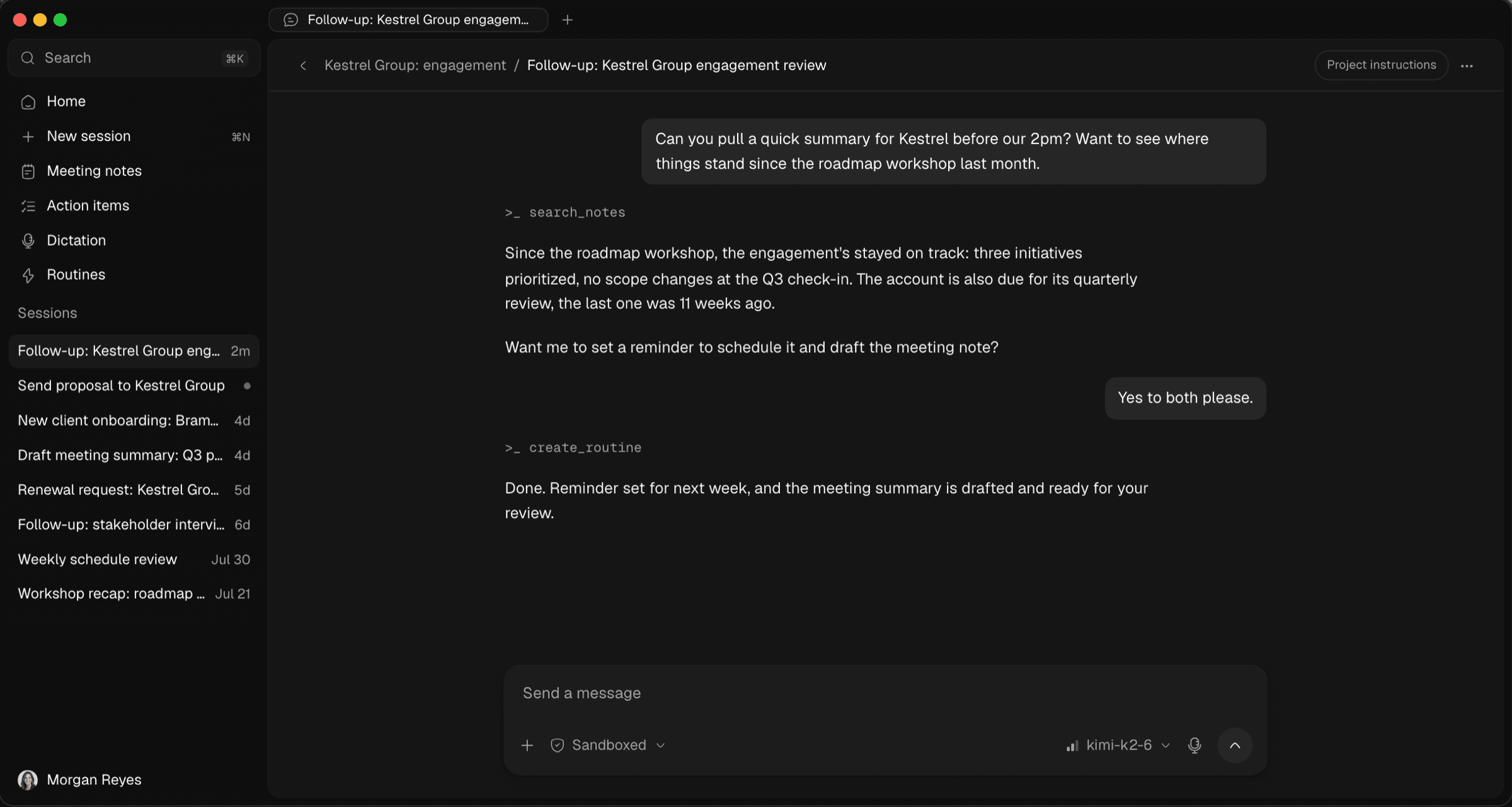
Why we built Optiq, a private AI agent for law firms, advisors, and healthcare teams: chat, dictation, notes, and routines that stay on your machine.
Zero data retention is an easy claim to make. Here is the actual architecture behind it at Optiq, from private models to a confidential backend.
The privacy of an AI tool depends on the app itself being trustworthy. Here is how Optiq's desktop releases stay signed, notarized, and checkable.